

 Admin
AdminResetting your PC does not necessarily wipe your files into the void.
While the operating system hides those files from your view, they often linger in the deep recesses of your storage drive, waiting for someone with the right software to bring them back to life.
Truth About explained – The Surface Level vs. The Deep Clean
Think of your hard drive like a messy bookshelf. When you hit the reset button, Windows essentially removes the index card that tells the computer where each book is located. The books are still on the shelf, but the computer acts like it doesn’t see them. To the casual user, everything looks empty and new, but the data is still sitting right there.
This is where it gets interesting. If you aren’t using a deep-cleaning method, someone who knows their way around basic file recovery tools can walk right in and restore your photos, documents, and maybe even those embarrassing saved passwords you thought you deleted.
Quick Tip: Always check if you selected the “Remove everything” option, but even then, understand that this is not the same as a secure, military-grade data wipe.
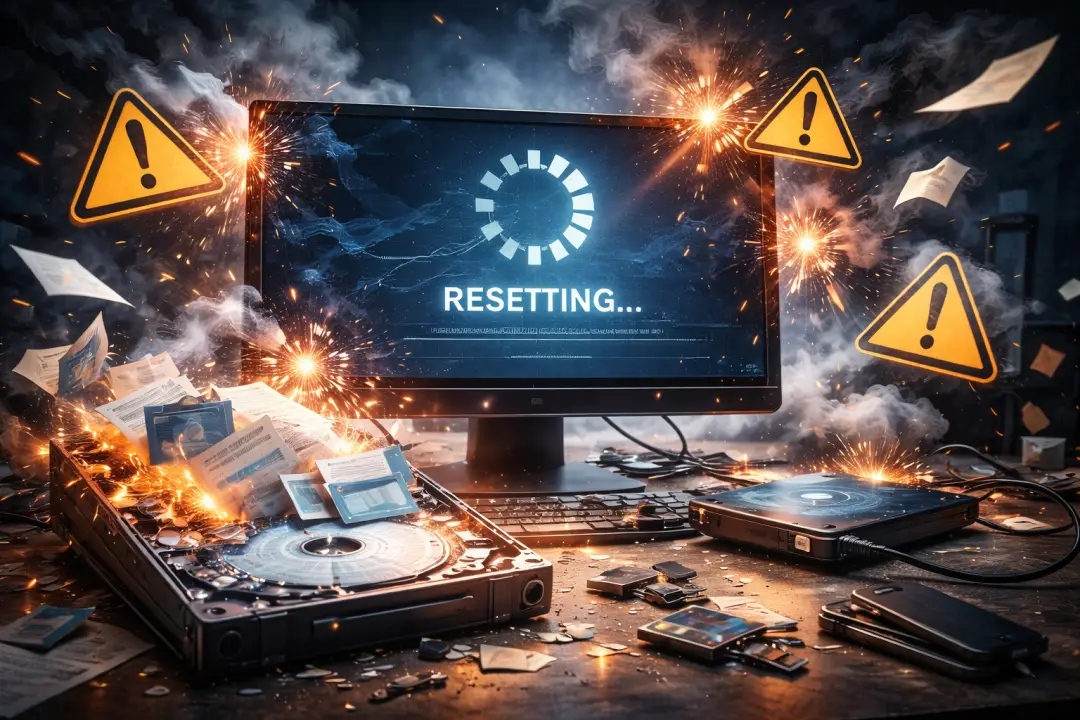
If you don’t change the settings during the reset process, Windows skips the time-consuming task of overwriting every single sector of your drive.
Instead, it just clears the file system table. It’s like throwing a pile of papers in the trash, but leaving the bin sitting right on your desk where anyone can reach in and grab it.
Why Your Data Might Still Be Vulnerable
I’ve seen plenty of people get caught off guard by this. If you’re selling a device or giving it to a stranger, you’re dealing with more than just a simple technical hiccup. If a bad actor gets their hands on a machine that was “reset” incorrectly, they can use inexpensive recovery software to scan your drive.
- Data Privacy: Keeping your tax documents or personal IDs safe is non-negotiable.
- Identity Security: Residual files can contain browser histories or saved login tokens.
- Peace of Mind: Knowing your files are actually obliterated lets you sleep better at night.
Also check this: Did you know? Actually the internet weighs about as much as a single strawberry. Resetting your PC — here’s what you need to know.
One downside to really cleaning your drive is the time commitment. A truly secure wipe can take hours, sometimes even an entire day, depending on the size of your storage and the type of drive you have.
The Modern Drive Dilemma: HDD vs. SSD
The tech landscape has changed, and it matters what kind of hardware you are using. If you are still running an old-school Hard Disk Drive (HDD), the data is much harder to erase because the information is physically magnetized onto a spinning platter. Overwriting it once is rarely enough to guarantee the data is unrecoverable.
But here’s the catch: Solid State Drives (SSDs) are different. They use a process called TRIM to manage data. When a file is deleted on an SSD, the drive can proactively scrub those cells. However, if you don’t trigger that correctly, even SSDs can leave ghost data behind for a while.
Warning: Never try to destroy a drive unless you absolutely have to physically. You might end up damaging your PC or hurting yourself. There are many better software-based ways to ensure your data is unreadable.
How to Actually Secure Your Data
If you really want to ensure that resetting your PC wipes your data for good, you need to go beyond the basic menu options. If you are selling the computer, consider using a tool that performs a “zero-fill” or a multiple-pass overwrite. This forces the computer to write random gibberish over every single byte of your drive space.
Once those random patterns are written, the original data is physically impossible to recover. It’s like taking a page of writing and scribbling over every single letter with a permanent marker until the paper is just black. Nobody is reading that original text again.
The Bottom Line
Don’t just trust the default “Reset” button if you are worried about sensitive information. It’s built for user experience and speed, not for digital privacy. If you’re preparing a machine to leave your possession, take that extra hour to perform a thorough wipe or use a drive-shredding utility.
It might feel like overkill, but the peace of mind is worth it. You wouldn’t leave your front door unlocked just because you think the neighborhood is safe, so don’t leave your digital files exposed just because a menu made it look easy.
FAQs
Does resetting your PC delete all data permanently?
Resetting your PC does not permanently delete your data. It removes access to files, but the data often remains on the drive and can be recovered unless it is securely overwritten.
Can data be recovered after resetting your PC?
Yes, data can often be recovered after resetting your PC if the storage has not been fully wiped. Recovery tools can scan and restore deleted files in many cases.
Is resetting your PC enough before selling your laptop?
No, resetting your PC is not enough before selling your laptop. You should use secure data wiping methods to ensure your personal files cannot be recovered.
What is the safest way to erase data after resetting your PC?
The safest way after resetting your PC is to use disk wiping software that overwrites data multiple times, making recovery nearly impossible.
Does resetting your PC with “Remove everything” option erase files completely?
Resetting your PC using the “Remove everything” option deletes files but does not always erase them permanently, leaving a chance for data recovery.
Can hackers recover data after resetting your PC?
Yes, if data is not securely erased, hackers or advanced users may recover sensitive information even after resetting your PC.
How to permanently delete data instead of just resetting your PC?
Instead of just resetting your PC, you should use secure erase tools or physically destroy the storage device to ensure complete data removal.
For more details, check the official guide: Microsoft Support.